A questionnaire is the most direct way to find out what your audience thinks. And yet we always put it off: "I will do it when I have time to think about the questions".
So here are both: how to build one in Systeme.io, and the questions, ready to copy, for the four questionnaires a solopreneur actually needs.
The 4 ways to build a questionnaire in Systeme.io
1. The Systeme.io Survey element
In the page editor, you add the Survey element. You write as many questions as you like, with multiple-choice or free-text answers. Each multiple-choice answer can apply a tag. The email field always comes last, and the answers are saved on the contact record.
Best for: qualifying a prospect or segmenting your list.
Limits: you cannot tag a free-text answer, and there is no rating scale or ranking.

2. The custom fields of a form
You add fields to your capture form (job, company size, goal and so on). Each answer is saved into a field on the contact record, which you can reuse inside your emails.
Best for: 2 or 3 simple pieces of information at signup.
Limits: every extra field can lower your signup rate, and past three it stops being a questionnaire and becomes paperwork.
3. The quiz inside a course
Inside Systeme.io courses, you can add a quiz to check what your students have learned.
Best for: educational assessment.
Limits: it serves your students, not capturing or qualifying prospects.
4. A survey tool connected to Systeme.io
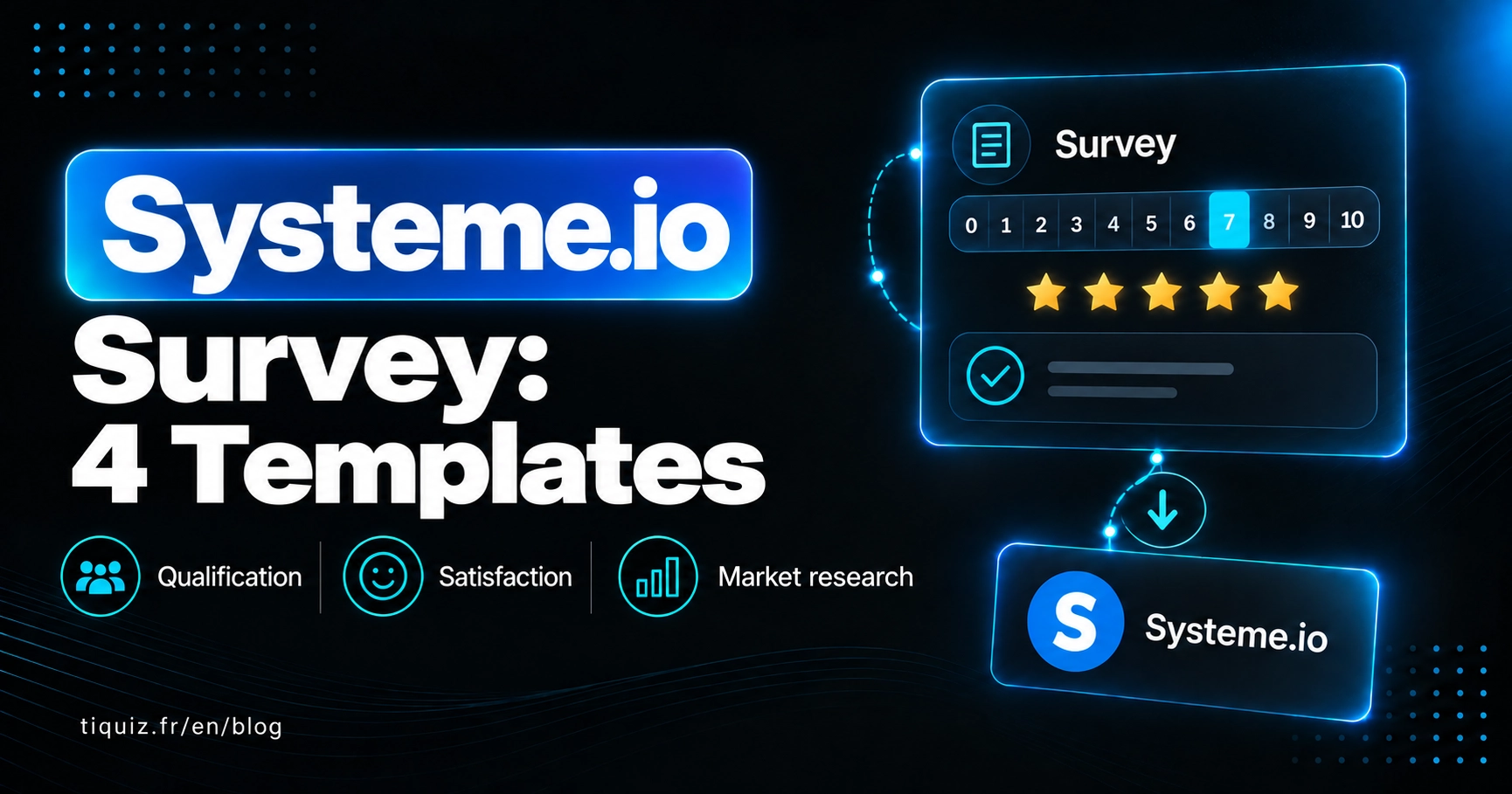
Tiquiz surveys run on the same engine as its quizzes, with no result to display: it is the answers you are after. Question types: single or multiple choice, yes or no, free text, rating scale, stars, and ranking by order of importance. Each answer can apply its own tag in Systeme.io.
Best for: market research, customer satisfaction, anything that needs nuance.
Limits: one more tool, even though the free plan includes a survey on top of your quiz.
| Systeme.io survey | Form fields | Course quiz | Tiquiz survey | |
|---|---|---|---|---|
| Multiple choice | Yes | Depends on the field type | Yes | Yes |
| Free text | Yes | Yes | Depends on the course | Yes |
| Scale, stars, ranking | No | No | No | Yes |
| Tag per answer | Yes (except free text) | No, through an automation rule | No | Yes |
| Where the answers are | Contact record | Contact record fields | Course area | Tiquiz, plus tags in Systeme.io |
| Price | Included | Included | Included | Free to start |
Systeme.io questionnaire #1: qualifying a prospect before a call
Offering a discovery call? Have people fill this in before they book. You arrive at the call already knowing everything, and the merely curious filter themselves out.
- Where are you today with the problem you solve? (choice: just starting / tried on my own / already worked with someone)
- What is holding you back the most? (free text)
- What have you already tried to fix it? (free text)
- How soon do you want this sorted? (choice: this month / within 3 months / no rush)
- Have you set aside a budget to get help? (choice: yes / not yet / not sure)
Tip: apply a tag on the "this month" and "yes" answers to question 5. Those are your hot prospects, the ones to call first.
Systeme.io questionnaire #2: customer satisfaction
Send it one or two weeks after the purchase, once your customer has had time to use what they bought.
- Out of 10, would you recommend your offer to a friend? (0 to 10 scale)
- What helped you the most? (free text)
- What was missing? (free text)
- What almost stopped you buying? (free text)
- Would you be happy for me to get back to you about this? (yes / no)
Question 4 is the most valuable of all: it hands you your objections, in your customers' own words, ready to reuse on your sales page.
Systeme.io questionnaire #3: the client brief
For freelance designers, copywriters, developers and consultants: to be filled in before the first meeting.
- Describe what you do in two sentences. (free text)
- Who are your ideal clients? (free text)
- What outcome do you expect from working together? (free text)
- Which examples do you like, and why? (free text, with links)
- What is your deadline? (free text)
- What is your budget? (choice, by bracket)
Tip: budget brackets save you pointless meetings, without having to ask the awkward question face to face.
Systeme.io questionnaire #4: market research before launching an offer
Before spending three months building a course, ask your list these three questions.
- What is holding you back the most right now with your subject? (choice: the 4 or 5 blockers you hear most, plus "other")
- What have you already tried to fix it? (free text)
- If a solution existed, what form would you want it in? (ranking: online course, coaching, live workshop, a tool)
Every respondent is tagged by their blocker. The day you launch, you write first to the people who named that exact need.
The Systeme.io questionnaire, by what you are after
- Qualify a prospect, then the Systeme.io survey, with a tag on the "hot" answers
- 2 or 3 details at signup, then the form's custom fields
- Test your students, then the course quiz
- Satisfaction, market research, nuance, then a Tiquiz survey (scales, stars, ranking)
From a Systeme.io questionnaire to a quiz that captures leads
A questionnaire collects answers. A quiz gives one back: a profile, a score, a diagnosis. That trade is what makes someone who does not know you yet hand over their email.
If your goal is attracting new contacts rather than surveying the ones you already have, a quiz is what you need. The step by step is in the Systeme.io quiz funnel, in 3 methods.
FAQ · Systeme.io surveys
Can you build a questionnaire in Systeme.io?
Yes, with the Survey element in the page editor: multiple-choice or free-text questions, one tag per multiple-choice answer, answers saved on the contact record. The email is asked for at the last step.
Where do you see the answers to a Systeme.io survey?
On each contact's record, in the Surveys section.
Can you run a knowledge test in Systeme.io?
Yes, inside courses: a quiz lets you assess your students. For a test meant to capture prospects, with a result shown to them, you need a quiz tool.
How do you build a customer satisfaction questionnaire?
Five questions are enough: a recommendation score out of 10, what helped, what was missing, what almost stopped the purchase, and permission to follow up. The full template is above.
Can you tag a contact based on their answer?
Yes: both the Systeme.io survey and the Tiquiz survey apply a tag per multiple-choice answer. Free-text answers cannot be tagged in the Systeme.io survey.
What is the difference between a questionnaire and a quiz?
A questionnaire collects answers. A quiz gives one back (a profile, a score), which makes it far more effective at attracting new contacts.
Sources
- Systeme.io, "How to add a survey to your page" : https://help.systeme.io/article/1398-how-to-use-the-survey-element
- Tiquiz, Surveys and Popquiz feature: https://tiquiz.io/features/surveys-and-popquiz