
Integrations
Connect Tally to Systeme.io
Tally is free for almost everything, which is exactly why the question comes up so often: the form takes ten minutes to build, but the answers stay inside Tally while your contact list lives in Systeme.io.
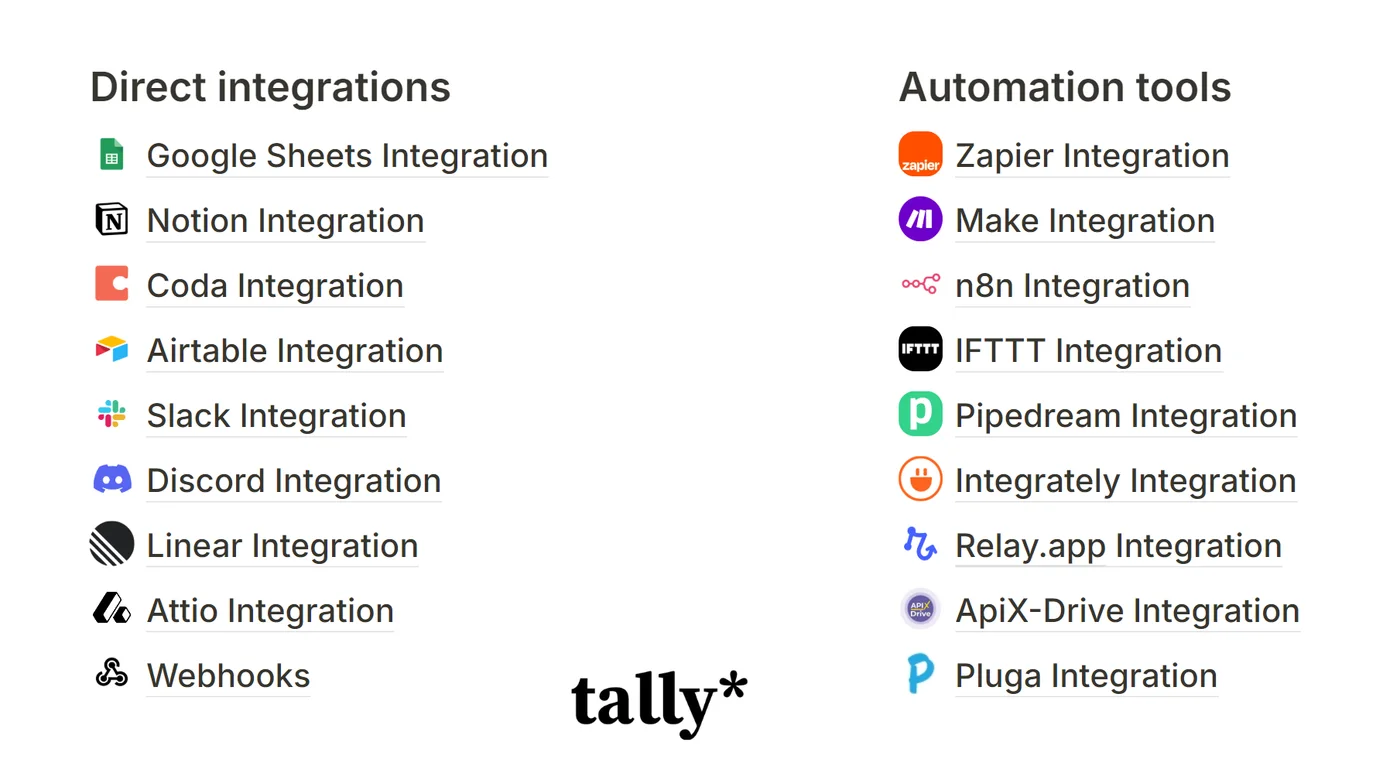
The integrations Tally offers are Google Sheets, Notion, Coda, Airtable, Slack, Discord, Linear, Attio and webhooks, plus the automation platforms. Systeme.io is not among them.
The three methods, side by side
| Webhook and code | Zapier | Make | |
|---|---|---|---|
| Cost | €0 | €0 up to 100 submissions a month | depends on volume |
| Skill | you need to code | none | a moderate learning curve |
| Setup | one to two hours | fifteen minutes | half an hour |
| Tag per profile | possible | paid plan | possible |
Method 1: the webhook, straight onto the Systeme.io API
The cleanest and the cheapest. The only one that asks you to code.
Tally posts every submission to any address you choose. Systeme.io takes a contact on its API. They do not speak the same language, so you need a small service in the middle to translate, a Netlify function or a Cloudflare worker for instance, whose free plans are more than enough.
What that service has to do, in order: take the Tally webhook, pull the email and the answers out of it, call POST https://api.systeme.io/api/contacts with the X-API-Key header, read back the contact id, then call POST /contacts/{id}/tags.
The trap, and it is documented nowhere: Systeme.io expects the tag id, not its name. So you have to look the tag up with GET /tags?query=TagName, and create it with POST /tags if it is not there yet. Without that, the contact lands with no tag and no automation fires. The mistake is hard to spot, because everything looks fine: the contact really is there.
Method 2: Zapier
The “New Submission” trigger on the Tally side, the “Create or Update a Contact, Including Adding Tags” action on the Systeme.io side. Map the email field, pick the tag, switch the Zap on. Fifteen minutes.
The free plan gives you 100 tasks a month and Zaps of 2 steps. As long as everybody gets the same tag, two steps are enough.
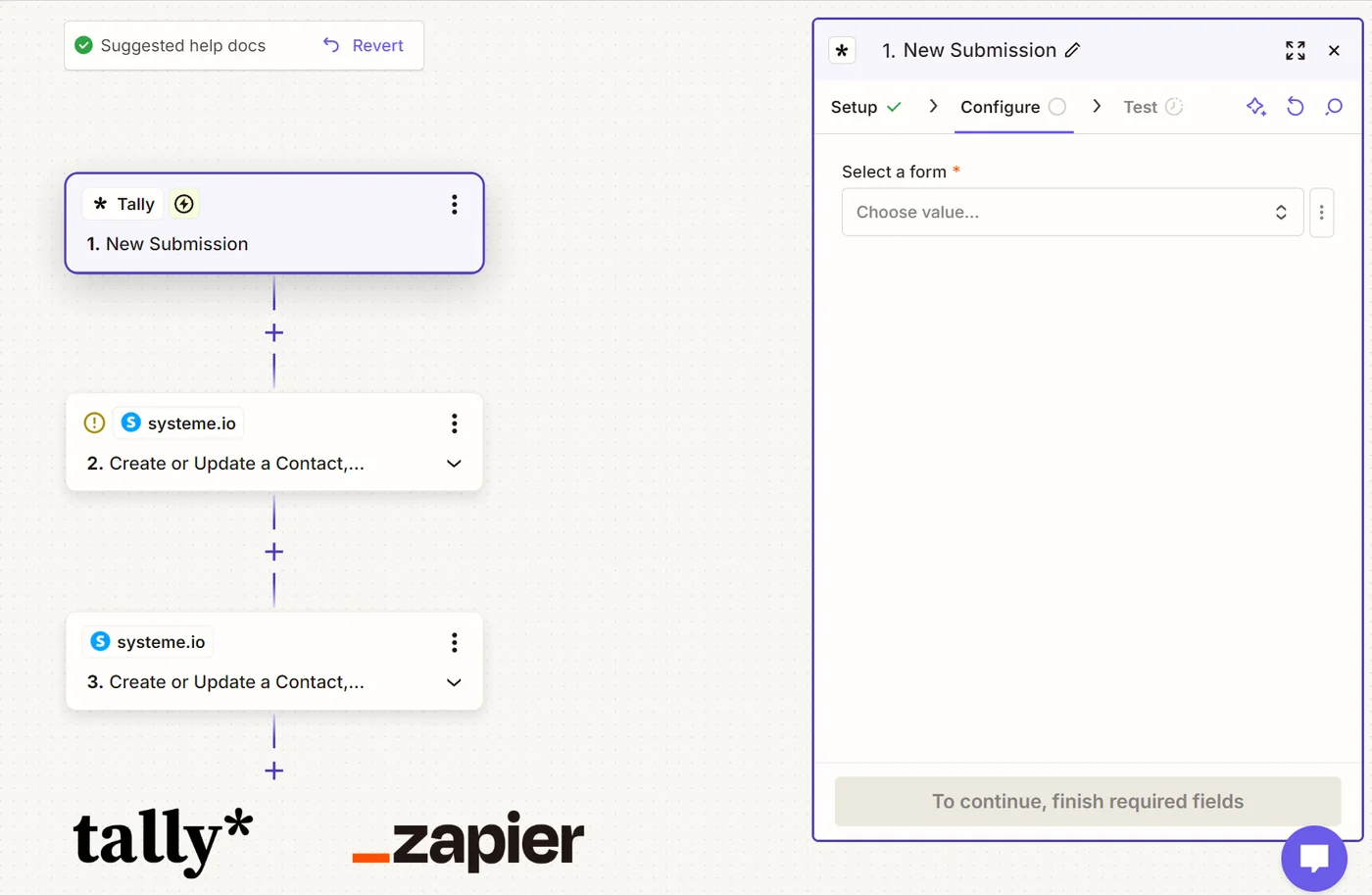
The Zapier limits in numbers: Zapier and Systeme.io.
Method 3: Make, Pabbly or n8n
Same idea, different pricing. Make is more generous on volume and harder to get the hang of. Pabbly is a one-off payment. n8n you host yourself, for free.
The quiz case
Everything above holds for a form: one email, one first name, one tag for everybody.
A quiz asks five questions, works out a profile, and every profile has to set a different tag. With Tally and Zapier that means one Zap per profile, paths, so the Professional plan, plus every tag created by hand inside Systeme.io beforehand.
Tiquiz covers exactly that case. You paste the Systeme.io API key once, you write your profiles, and everyone who finishes the quiz lands in Systeme.io with their profile's tag. Tiquiz looks the tag up and creates it if it does not exist. One profile can carry several tags.
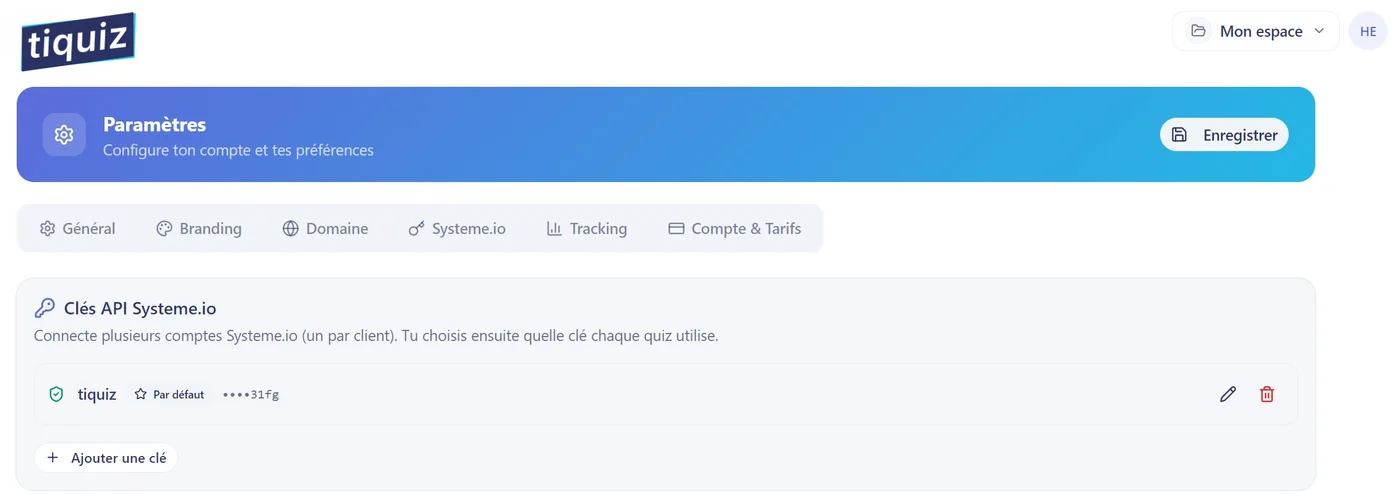
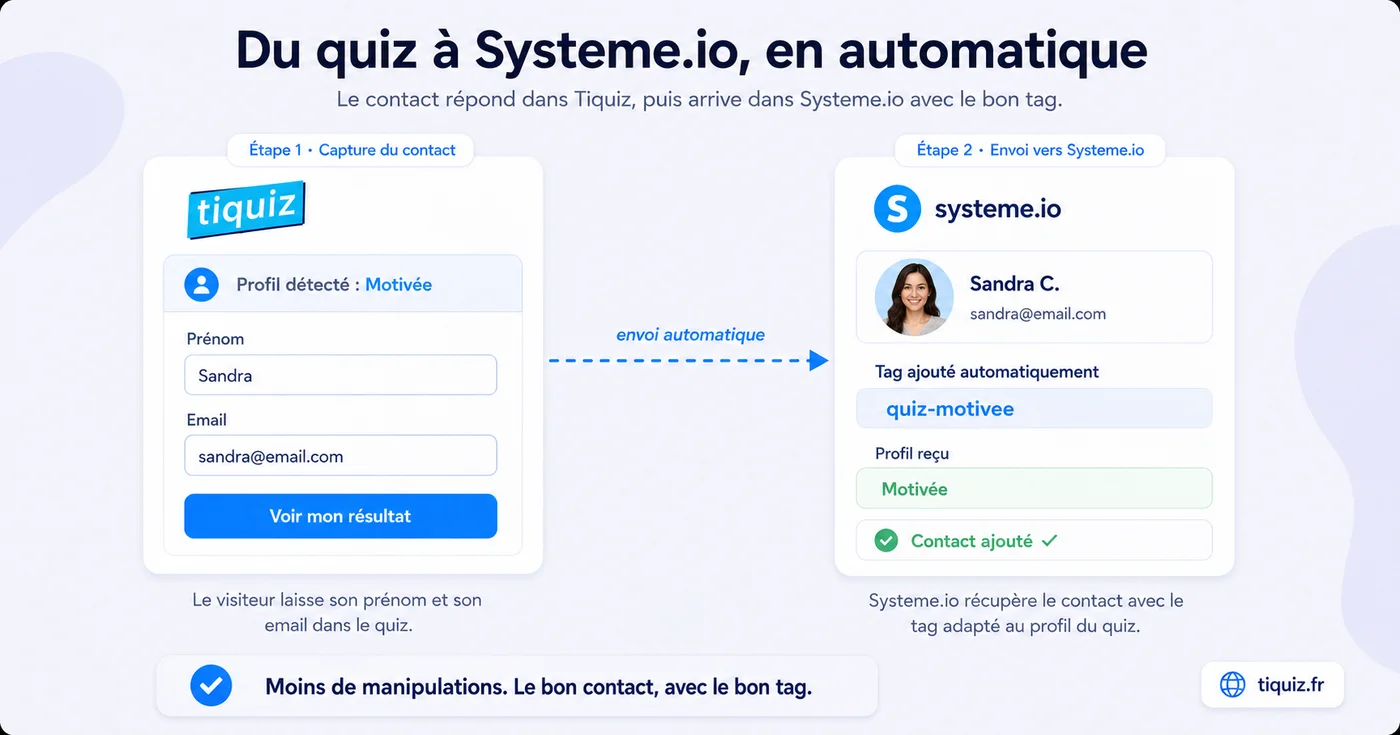
The Systeme.io connection and the tags are in the Tiquiz free plan, at €0, no card needed, no time limit.
Tally is still excellent for contact forms and simple sign-ups.
Frequently asked questions
- Does Tally have a Systeme.io integration?
- No. Tally's integrations page lists Google Sheets, Notion, Coda, Airtable, Slack, Discord, Linear, Attio and webhooks, along with the automation platforms. Systeme.io is not there.
- Can you connect Tally to Systeme.io without Zapier?
- Yes, with a Tally webhook pointing at a small service that calls the Systeme.io API. It is free, but it asks you to code, because the two tools do not exchange the same data format.
- Why does the contact land without its tag?
- Because the Systeme.io API expects the numeric tag id, not its name. You first have to look the tag up with GET /tags?query=, create it with POST /tags if it is missing, then set its id on the contact.