It all started with a client. A company working in France and the United States, wanting to try Tiquiz, and living on GoHighLevel. Not on Systeme.io.
I could have told them "export your leads to CSV". It's true, it works. But that's not what I promise with Tiquiz: I promise a lead that arrives on its own, in the right place, with the right tag, the second the person sees their result. So I got to work.
Here's what changed, and what it changes for you.
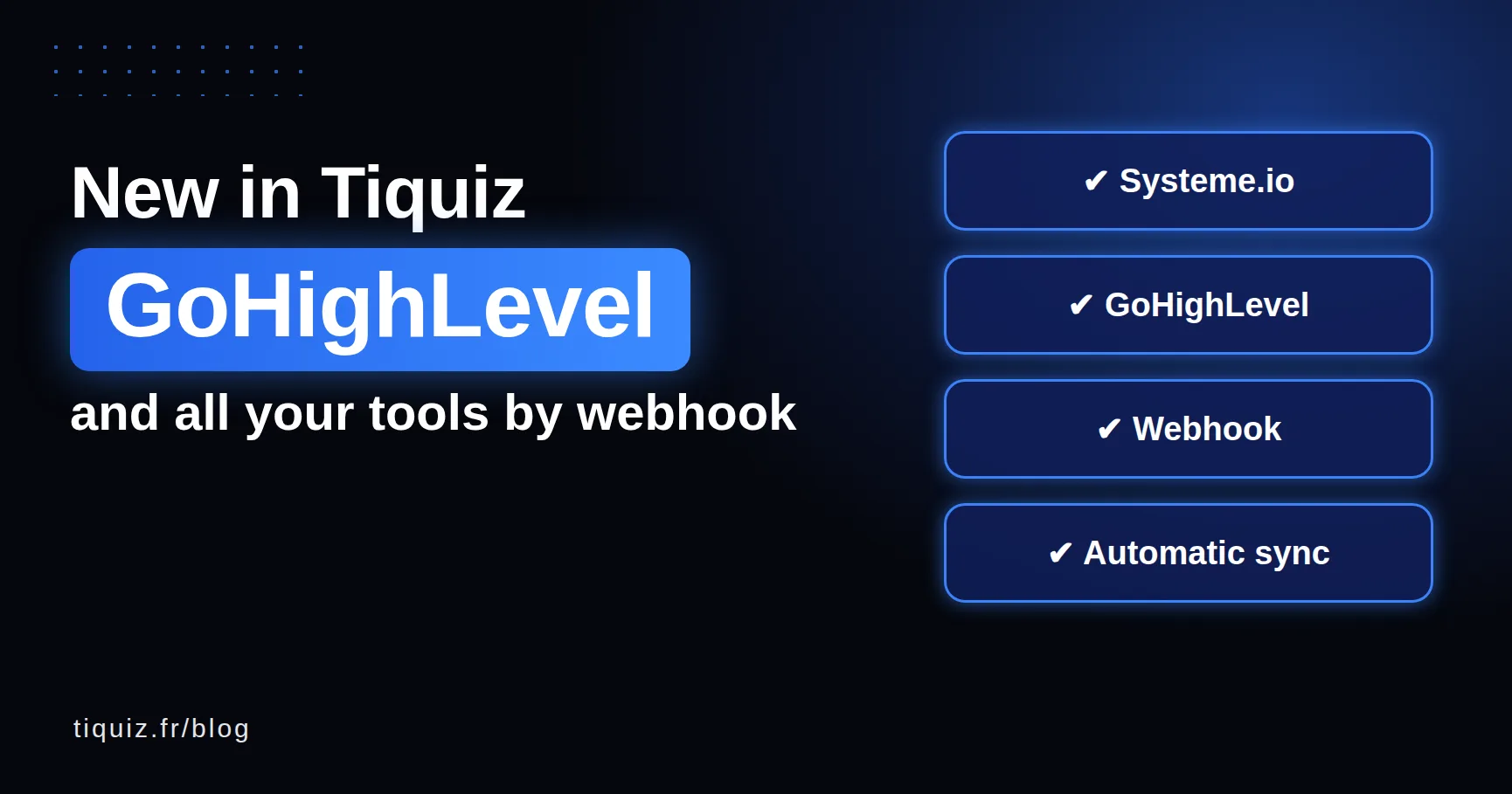
GoHighLevel, connected natively
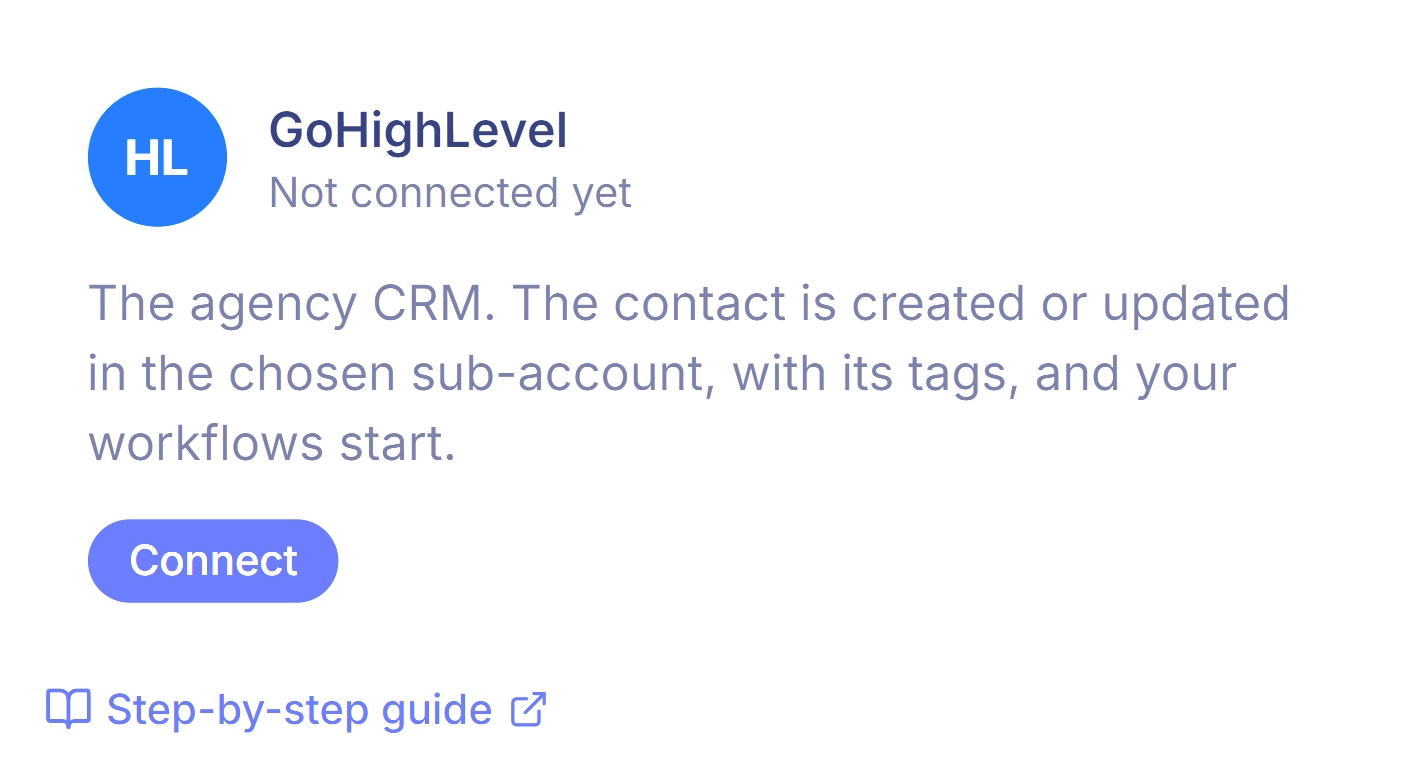
In Settings, Connections tab, the GoHighLevel card has a Connect button. You land on GoHighLevel, pick your sub-account, come back. That's it: no key to copy, no Zapier.
Every lead arrives with:
- their profile's tags, added to the ones they already have (never erased, even if they retake a quiz);
- their profile name in a
tiquiz_resultatfield; - your form's custom fields, created automatically in GoHighLevel if they don't exist.
Running an agency? You connect your sub-accounts at once, and pick, quiz by quiz, which one receives the leads. Your client's quiz fills THEIR sub-account, not yours. Each sub-account counts as one connection: beyond two, it's PLUS.
The GoHighLevel connection is included from the free plan, for one sub-account. The step by step is on the Tiquiz and GoHighLevel page, and the workflows to build behind it are in this article.
The webhook, for every other tool
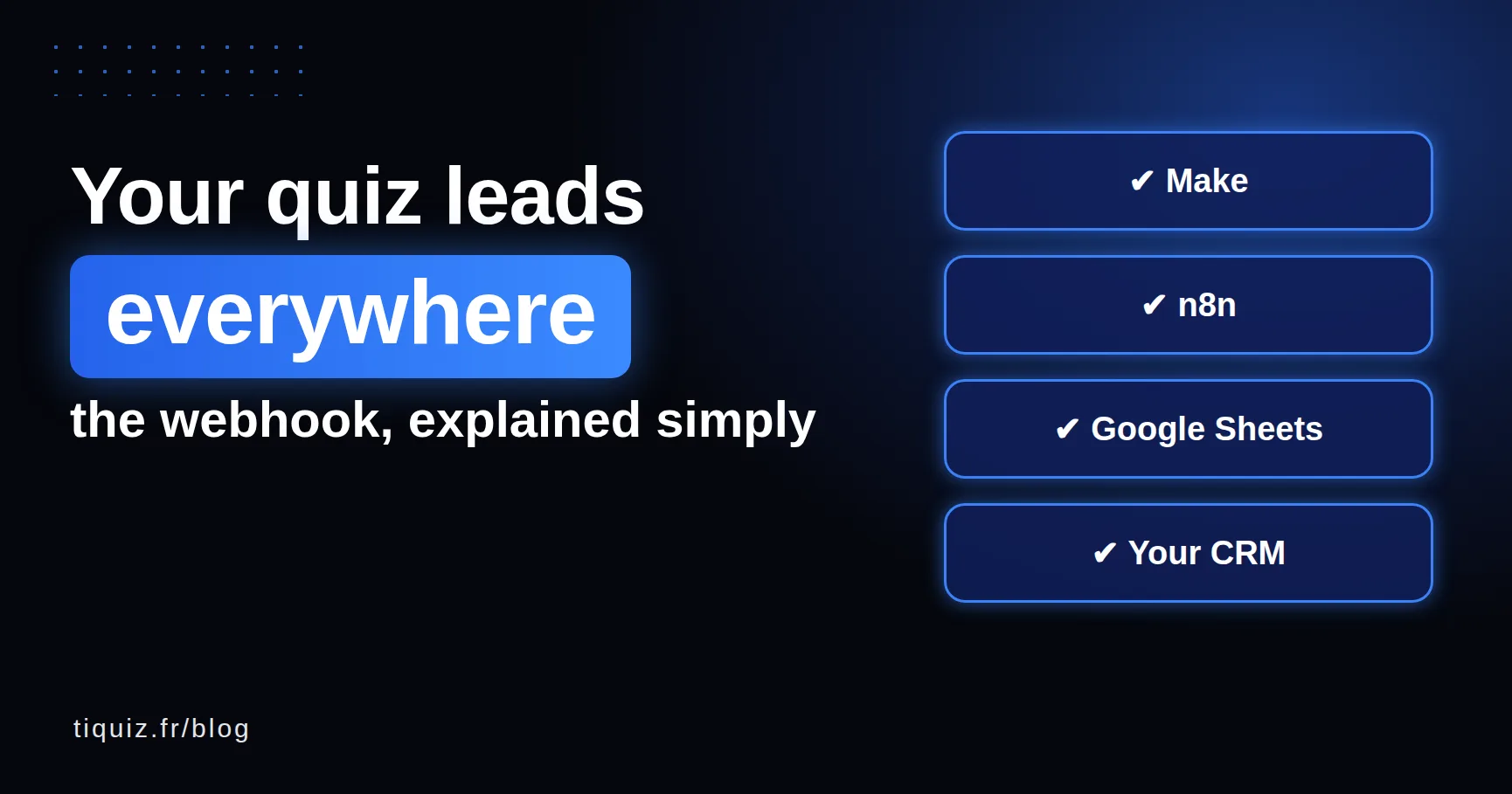
Brevo, Mailchimp, Kit, HubSpot, Pipedrive, a Google Sheet, your own website. You paste a webhook address into Tiquiz, and every lead goes there as JSON: the contact, the profile, the score, every answer, custom fields and tags.
With Make or n8n behind it, you do whatever you want with it. The Test the webhook button sends a sample lead built on your real quiz, so your tool learns the structure before the first real lead.
Available on every plan. A webhook counts as one connection, like a Systeme.io key or a GoHighLevel sub-account: 1 on the free plan, 2 on the subscription, as many as you want on PLUS. I explained it simply (with 5 use ideas) in the webhook article, and the full documentation is on the help page.
Your locked leads go out on their own when you upgrade
The free plan shows 10 leads per 30-day window. The next ones are saved, but blurred, and they weren't sent to your tool.
Until now, when you upgraded, you had to resend them by hand, one by one. Not anymore: on payment, they go to Systeme.io, GoHighLevel or your webhook on their own, each with its tags, as if they had arrived yesterday. Nothing to do.
One button to resync everything
Changing tools? A send failed while your CRM was under maintenance? In My leads, the Sync all button resends all your leads to the tool connected to each quiz, with progress on screen.
A contact already there is updated, never duplicated. One caution (I'd rather tell you upfront): if an automation in your CRM starts on "tag added", it will run for contacts receiving a tag they didn't have yet.
And how is your API key protected?
A company asked me this in writing before creating its Systeme.io key, and it was right to ask. So the answer is now written in black and white in the privacy policy, section 11.
In two sentences: your keys are encrypted before being stored, never shown again, and erased as soon as you remove them or your account is deleted. They are only used to create or update your contacts, apply your tags and, if you chose to, open a course or community. Never to delete a contact or touch your pages, funnels or automations.
What's next?
Brevo, ClickFunnels and Podia are in progress. In the meantime, the webhook already covers them through Make or n8n.
And if your tool isn't on any of these lists, write to me. That's how GoHighLevel arrived: someone asked.
Everything described here is available today, and both GoHighLevel and the webhook are available from the free plan, which counts one connection (two on the subscription, unlimited on PLUS). If you already have an account, take a look at Settings, Connections tab: it's all there.
FAQ · what's new in Tiquiz
Does Tiquiz work with GoHighLevel?
Yes, through a native connection: one button in Settings, Connections tab, and you pick your sub-account. Profile tags are added to the contact, and form fields are created automatically.
Does Tiquiz work with Brevo, Mailchimp or HubSpot?
Yes, through the webhook: each lead goes to Make, n8n or Zapier, which creates it in your tool with the right tag. A native Brevo connection is also in progress.
What happens to my locked leads if I upgrade?
They go to your tool on their own at the moment of payment, each with its tags. Nothing to do.
How do I resend all my leads to a new tool?
In My leads, the Sync all button resends all your leads to the tool connected to each quiz. Existing contacts are updated, not duplicated.
Are the webhook and GoHighLevel included in the free plan?
Yes. Connections are available on every plan: 1 on the free plan, 2 on the subscription (for example your Systeme.io account and a webhook), as many as you want on PLUS. On the free plan, the 10 visible leads per 30-day window are sent.
Sources (checked October 16, 2026)
- HighLevel Ideas, "Contact Upsert Should Add Tags Instead of Overwriting or Replacing Them" (why a careless sync wipes a contact's tags): ideas.gohighlevel.com
- Make, Webhooks module: apps.make.com/gateway
- n8n, Webhook node: docs.n8n.io
- Zapier, Webhooks by Zapier (Premium app, paid plans): zapier.com/apps/webhook
- Tiquiz, the connection docs: Tiquiz and GoHighLevel and the webhook